Showing posts with label routines. Show all posts

1.12.2016

The "Next Week" flyleaf

I have this flyleaf already for months ago in planner. It helps me in weekly planning. This is a laminated piece of paper, where I wrote with pen - Frixion users, attention: never write on a piece of paper you want laminate!!! I didn't wanted to spend too much time to designing an insert for this.


What all function the next week flyleaf has?

1. Keeping the weekly review checklist
Everything I have to do on my weekly review is listed here. I can use whiteboard marker to check the points off.


2. A list about our weekly routine
I didn't wrote this on the paper, because it can be change. It's on a post it note. As you can see some stuff is already added to it. Having the family routine by hand by weekly planning is very useful, I don't have think too much, what everything we have, only write them in. The are also recurring appointments and also tasks I have to do on a specific day on the week. 


3. Place for next week's tasks
Sometimes come something into my mind, and I don't want to add to my actual weekly tasks, because I have enough. I also don't want to write to my next week planning page, because I might use a different format (as before I tried so much options, or I just don't want to make it disorganized. I just jot it done here, and I can add to week, when I make the weekly planning. Sometimes works this post it as a master to do list, when I don't write next week something to my tasks, I just leave it here for later. While I have a page marker on the top, I can reach this place very quickly.


4. Pending items
On the back I keep waiting on stuff on post it's. I review them weekly, if it's finished, or have I something to do with that thing. I have also a don't forget post it here just in case :)


What do you think about this useful tool? Would you use something similar? If yes, what elements would you take?


If you have any questions, please do not hesitate to ask in comment! Share your experiments in our Facebook group, and get more help!  


Read more…

11.03.2015

How to build your perfect planner system? Week 21: Make your life simpler: routines and checklists

There are in our life so much things what is always the same. Happens on the same time of the week/month/year. Has to do the same thing. If you write them down, you don't have to think about so much. This makes things automatic.

Daily routines

I have a daily routine list since I tried out the FlyLady system. I don't do it any more, but having routines is a great idea!
- You can have a list for all routines somewhere in your planner (I have it by the R divider.) If you can be think on that, you can go every day there, and check, what you have to do. You might need to write to your plan: daily routine.
- Or keep a little card with the tasks by the dailies.
- Or have a sticky note to your day marker, and stick that to your daily, and move it to the next day, if you finished.


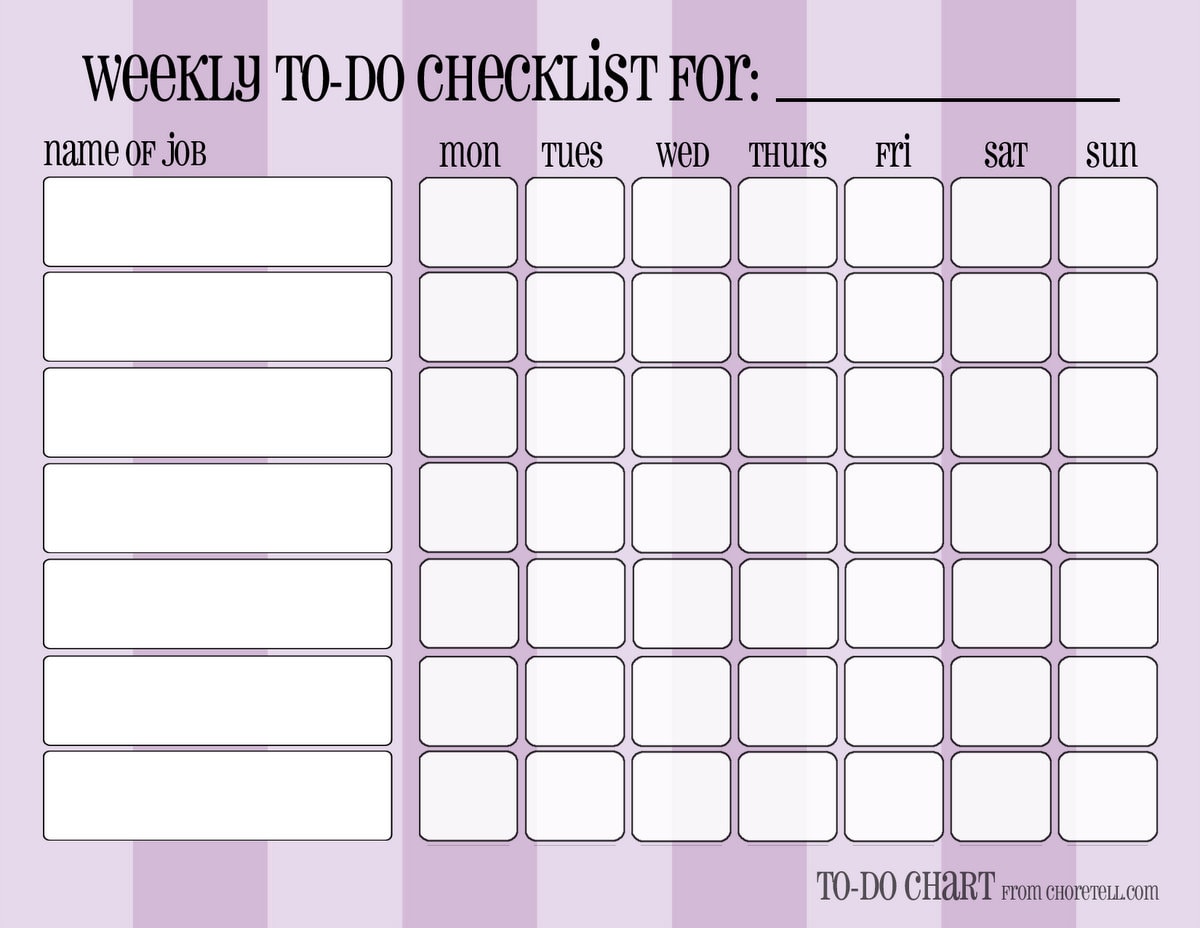
- You can have also a weekly chart for the whole week on your weekly spread
- or on your day marker.

Some of mine:

http://srplanner.blogspot.ch/2015/05/page-marker-with-daily-routine.html


Zsuzsa Kiss (@muzsika19) által közzétett fénykép,


- or on a separate insert:
http://choretell.com/kids-5-12/patterned-weekly-to-do-chore-checklists/


So much options!

Weekly routines / repeatedly appointments

- You can have a list by your routines list again. You can go to check it there if you not forget it.
- You can write a reminder to your weekly review checklist: write weekly routine tasks/appointments to the days. (This is, what I do - more writing, but I can't check things on different places :))
- You can write a list with this things on your day marker.
- You can write the repeatedly things on replaceable flags. Move this every week to the next week's pages.

Monthly routines /repeatedly appointments

Same options as by weeklies.

Seasonal/Yearly things

- List again.
- Copy from the list to the place.
- Have an insert/post it for every month: write on this every birthdays/appointments, to do-s you have for this month (like making book keeping, changing clothes for seasons etc.). You can stick the post it to the months, or you can use your insert as a divider.

http://srplanner.blogspot.ch/2015/01/the-17-divider.html

Checklists

They are genial helper! If a bigger task need always the same steps, and you need to do that task more times, you can make a checklist for it.
- The most simplest way: Have in your planner (or in a notebook) a place for checklists, and list all the subtasks what you need to the bigger task. When you have to do it again, go there, and make it.
- Make laminated checklists. Then you can mark the finished subtasks with white board marker, and use the checklist next time again. Disadvantage for this: laminated pages make your planner bulky. But why should you keep all of them in your planner? You can find a place for your checklists outside of it. Place only the actual to your day (week).


Read more…

5.14.2015

Page marker with daily routine

I made this page marker after the idea from Kent from Oz. 


How it is built: I laminated a paper, same width as the inserts, and a little bit taller (6mm). I laminated a protector page without paper, and cut to the same height, and 6 cm wide. I took wash tape, and first I glued the two piece together, when the smaller was on the top of the larger (that leaves enough space between the two pieces). then I opened it, and used an other stripe of wash tape on the other side. My addition to it: I cut a piece  from the notepaper of the daily insert. I wrote my daily routine, and glued on the leaf that way, when I fold the marker, it matches to the notepaper insert. I can draw now my checkboxes there.

Read more…