Showing posts with label sticky notes. Show all posts

4.06.2016

How pocket size works for me and why?

If you are with me for a long time, you know, I tried personal size, and I found it too small. And now I use a pocket size Filofax. How???


Filofax on the go

My first try to have a separate Filofax for on the go was the Compact size Pennybridge, what I use as a wallet. The idea was not to bring the A5 with me, but having the possibility to make appointments, have important informations by hand, taking notes, writing on to dos, when it falls into my mind. I had here monthly calendar, once also weekly, and todo lists, and note paper, but it doesn't worked. Why? I never took out it from my bag. It would be very risky - In might let it home... So - I wrote a task in that or a not, when I was far from home? Never read it again. I just brought my A5 with me - just in case.

The difference with the pocket

Wallet stays in my bag. But the pocket not! I take out. I bring the pocket with me - to the couch, to the bed, to the table, or when I leave the flat. It's small, it is so simple to take with me everywhere!

How it's calendar works with other planners together?

The pocket is not a planning tool. This is a capturing and storing tool. I have a monthly calendar here.


I write condensed only those thing here, what can influence any appointment I should organize. You can ask me - you wrote before, you can have only one calendar or that will be a mess. I have the solution. The Calendar which knows everything is an A5 booklet. Principle I organize here everything. But out of the house it is not with me. If I make a new appointment in the pocket, I don't write it on the paper, I write it on a small post it note. In my daily routine I have an item: "the red Filo" - means, I have to check, if I have a new appointment, note, to do, etc, and copy it for the right place. The post it note gives me a clue, that I have to copy that appointment. At the same time I can synchronize also in other direction too.

Daily notes

I got these inserts from someone in FB for free! I'm so happy. I didn't wanted to pay for daily inserts too much, because I didn't know, if I will use them? The answer is, yes! I use. Not as a task list, but a sort of journaling. I write in some words, what I did on the day. Not feelings, they are going to my real journal :)

Other stuff

Notes

I jot down everything here, ideas, learned stuff, tasks. I keep here a page markers, that I can reach the first clean page quickly.

Knitting

I made an insert for this. I take notes belonging to the project.


I tried keeping knitting notes on a planner before - it doesn't worked, because I kept designing notes, tasks for the designing process also here, and I never knew, where the planner is. At my knitting? On the desk? I'm lazy to search. But keeping designing stuff and other notes separate works really well! And if I need a note for the pattern - no problem, the little pocket is always with me.

Lists

I didn't liked keeping lists in an A5 binder, while I think it is wasting paper. The pocket size is ideal for lists - the pages are (almost) filled out.


A-Z section

I love A-Z sections, but I took it out from the A5 - for free out ring space. Here I have enough space (yet) for this bunch of dividers. I want to copy addresses here, and other good to know stuff, like passwords (not sensitive once), insurance numbers, "contact" infos - I don't know how to call this, by GTD is called contacts, they are pages for people with stuff I want to discuss, when we meet, what he/she told, etc. It can be a friend, a doctor also. Until now I have these here, but I know I will find other very important stuff to bring with me :D


Some extras

Stickers for headers

Sticky notes
White/black/gray cards for photoshoots

So this way I can let the A5 at home and I have every informations with me, what I need.

Read more…

1.12.2016

The "Next Week" flyleaf

I have this flyleaf already for months ago in planner. It helps me in weekly planning. This is a laminated piece of paper, where I wrote with pen - Frixion users, attention: never write on a piece of paper you want laminate!!! I didn't wanted to spend too much time to designing an insert for this.


What all function the next week flyleaf has?

1. Keeping the weekly review checklist
Everything I have to do on my weekly review is listed here. I can use whiteboard marker to check the points off.


2. A list about our weekly routine
I didn't wrote this on the paper, because it can be change. It's on a post it note. As you can see some stuff is already added to it. Having the family routine by hand by weekly planning is very useful, I don't have think too much, what everything we have, only write them in. The are also recurring appointments and also tasks I have to do on a specific day on the week. 


3. Place for next week's tasks
Sometimes come something into my mind, and I don't want to add to my actual weekly tasks, because I have enough. I also don't want to write to my next week planning page, because I might use a different format (as before I tried so much options, or I just don't want to make it disorganized. I just jot it done here, and I can add to week, when I make the weekly planning. Sometimes works this post it as a master to do list, when I don't write next week something to my tasks, I just leave it here for later. While I have a page marker on the top, I can reach this place very quickly.


4. Pending items
On the back I keep waiting on stuff on post it's. I review them weekly, if it's finished, or have I something to do with that thing. I have also a don't forget post it here just in case :)


What do you think about this useful tool? Would you use something similar? If yes, what elements would you take?


If you have any questions, please do not hesitate to ask in comment! Share your experiments in our Facebook group, and get more help!  


Read more…

11.03.2015

How to build your perfect planner system? Week 21: Make your life simpler: routines and checklists

There are in our life so much things what is always the same. Happens on the same time of the week/month/year. Has to do the same thing. If you write them down, you don't have to think about so much. This makes things automatic.

Daily routines

I have a daily routine list since I tried out the FlyLady system. I don't do it any more, but having routines is a great idea!
- You can have a list for all routines somewhere in your planner (I have it by the R divider.) If you can be think on that, you can go every day there, and check, what you have to do. You might need to write to your plan: daily routine.
- Or keep a little card with the tasks by the dailies.
- Or have a sticky note to your day marker, and stick that to your daily, and move it to the next day, if you finished.


- You can have also a weekly chart for the whole week on your weekly spread
- or on your day marker.

Some of mine:

http://srplanner.blogspot.ch/2015/05/page-marker-with-daily-routine.html


Zsuzsa Kiss (@muzsika19) által közzétett fénykép,


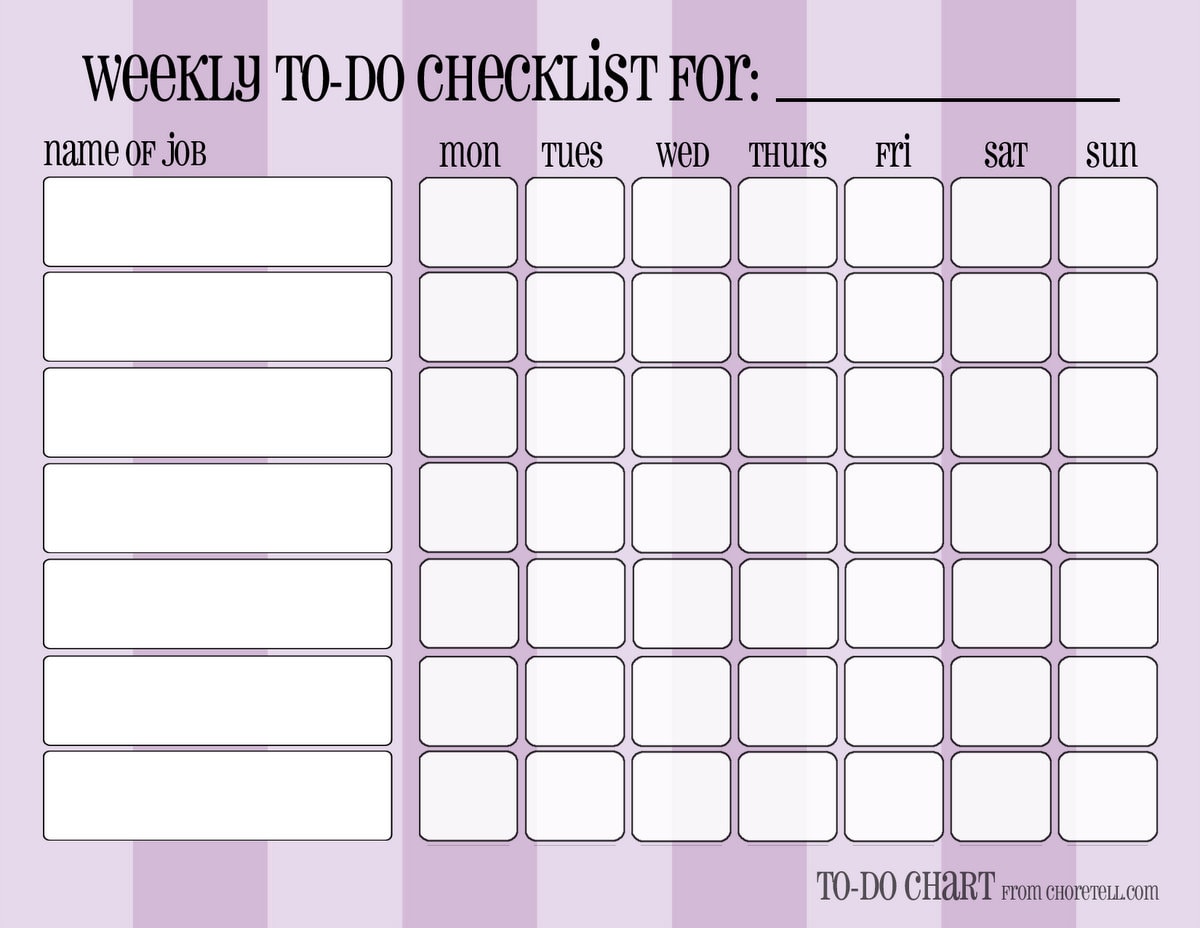
- or on a separate insert:
http://choretell.com/kids-5-12/patterned-weekly-to-do-chore-checklists/


So much options!

Weekly routines / repeatedly appointments

- You can have a list by your routines list again. You can go to check it there if you not forget it.
- You can write a reminder to your weekly review checklist: write weekly routine tasks/appointments to the days. (This is, what I do - more writing, but I can't check things on different places :))
- You can write a list with this things on your day marker.
- You can write the repeatedly things on replaceable flags. Move this every week to the next week's pages.

Monthly routines /repeatedly appointments

Same options as by weeklies.

Seasonal/Yearly things

- List again.
- Copy from the list to the place.
- Have an insert/post it for every month: write on this every birthdays/appointments, to do-s you have for this month (like making book keeping, changing clothes for seasons etc.). You can stick the post it to the months, or you can use your insert as a divider.

http://srplanner.blogspot.ch/2015/01/the-17-divider.html

Checklists

They are genial helper! If a bigger task need always the same steps, and you need to do that task more times, you can make a checklist for it.
- The most simplest way: Have in your planner (or in a notebook) a place for checklists, and list all the subtasks what you need to the bigger task. When you have to do it again, go there, and make it.
- Make laminated checklists. Then you can mark the finished subtasks with white board marker, and use the checklist next time again. Disadvantage for this: laminated pages make your planner bulky. But why should you keep all of them in your planner? You can find a place for your checklists outside of it. Place only the actual to your day (week).


Read more…

8.18.2015

How to build your perfect planner system? Week 11: Add some fun!

After the hard work we are going to give some fun to our planners (if you like it).


You planner don't must be boring!

You don't like the pure planner pages? Everything black and white, only to do-s, responsibilities.

Lot of pages looks like this in my planner

 For me is functionality is on the first place, I think, who reads this series, also. Decorating is only an extra. But, decorating can be also functional, let's see some ideas.

I used here: stamps, stamped stickers, stickers, washi tapes for cover not used space, washi to mark holiday, sticky notes, colored pens...

Color coding

Color coding is funny, nice and practical. What to color code? People in the family. Different types of activities (like work, household, relax). Projects - use colors for the tasklist corresponding to the projects. Key areas in your life. Add a color to all values you stated and write your goals, tasks with that color. It makes keeping balance simpler, only take a look if some colors are missing or dominating.

Color coding for appointments: green - I have to go, pink - work, blue - personal, black - I have to know, but I don't have to do anything (my daughter goes to dentist, alone)

Some people don't use color coding, but uses different color pens only to make the planner more colorful.

Stickers

Lot of people uses stickers to make their planner cute - it is not my strength, I cannot show you pictures concentrated about this topic. Just go to Instagram if you want to see something beautiful. But there are also stickers with functions:

Colored dots


I used these before for color coding, when I used only black pen.

Stickers with icons or words, like to do, important, or a car, cloth, etc. 


See in use on the second picture

DIY stickers

My favourites! Combined with stamps - colorful and useful. I should make a tutorial for them... Here can you also use color coding! My out-of-house color is green. I try to stamp such activities on green colored stickers.

See in use at the second picture

Stamps

On the border of functionality. More fun. It takes lot of time to use the clear stamps, I know. But once a week, if I have time for it - I do it. Last week I made my daily layout with stamps.


If you create stamped stickers as I wrote before, you can spare time, and "you can have your stamps with you" - in form of stickers. Bring stamps, acrylic blocks stamp sets with you would be crazy idea.

Washi tape

I love them, but I don't use them too much, because it's complicated to take out, I need a scissor too, I want to write quick and go. But it is so nice to use some washi in different places...
At the bottom of a page.
Highlighting a title:

Orders
Separate a part of the paper (like a border).


Mark more-day-events. - See on the next picture.

Cover not used space:


Dashboards, dividers

I'm obsessed with beautiful papers. I have lot of them, I only should know, why... I try to find some clever way to use them. Like a laminated dashboard. It not only nice, but protects the pages too, and...


I use the back to keep post its on it.


When I use dividers, I make it myself. It could be more sophisticated, some people use more papers, washis, project life cards and other stuff to creating their dividers, I only cut to size and laminate them.


Sticky notes

I mostly use the Super Sticky Post it Notes (see on my dashboard), because they are really long lasting. But I love also these colorful too:

Stickies from Happy Planner
Wow, I didn't thought, that I use so much decoration! 

Housework for the next week

Make fun or not. Do what you want :)


If you have any questions, please do not hesitate to ask in comment! Share your experiments in our Facebook group, and get more help!  

Find here the whole series.

Subscribe to our mailing list

* indicates required

Read more…