Showing posts with label scheduling. Show all posts

11.03.2015

How to build your perfect planner system? Week 21: Make your life simpler: routines and checklists

There are in our life so much things what is always the same. Happens on the same time of the week/month/year. Has to do the same thing. If you write them down, you don't have to think about so much. This makes things automatic.

Daily routines

I have a daily routine list since I tried out the FlyLady system. I don't do it any more, but having routines is a great idea!
- You can have a list for all routines somewhere in your planner (I have it by the R divider.) If you can be think on that, you can go every day there, and check, what you have to do. You might need to write to your plan: daily routine.
- Or keep a little card with the tasks by the dailies.
- Or have a sticky note to your day marker, and stick that to your daily, and move it to the next day, if you finished.


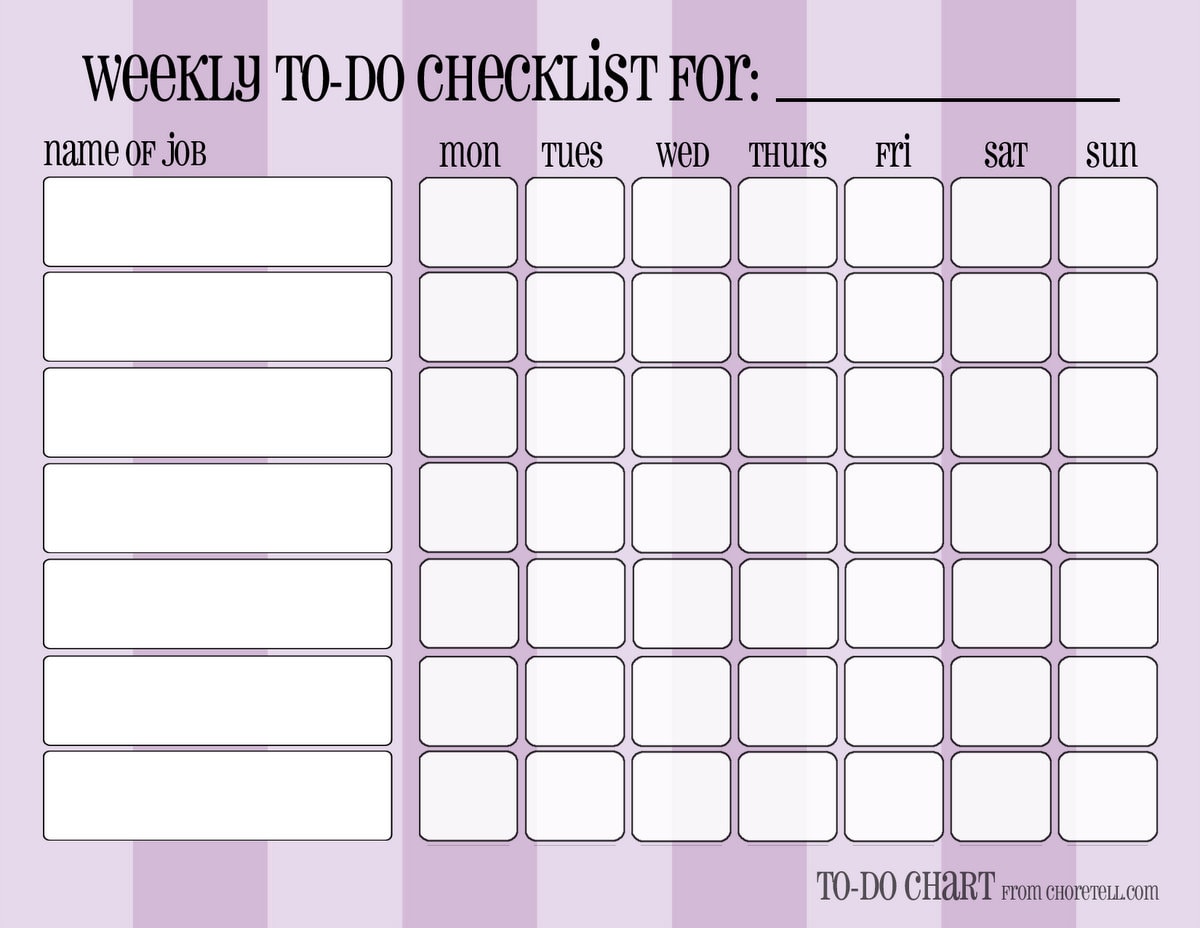
- You can have also a weekly chart for the whole week on your weekly spread
- or on your day marker.

Some of mine:

http://srplanner.blogspot.ch/2015/05/page-marker-with-daily-routine.html


Zsuzsa Kiss (@muzsika19) által közzétett fénykép,


- or on a separate insert:
http://choretell.com/kids-5-12/patterned-weekly-to-do-chore-checklists/


So much options!

Weekly routines / repeatedly appointments

- You can have a list by your routines list again. You can go to check it there if you not forget it.
- You can write a reminder to your weekly review checklist: write weekly routine tasks/appointments to the days. (This is, what I do - more writing, but I can't check things on different places :))
- You can write a list with this things on your day marker.
- You can write the repeatedly things on replaceable flags. Move this every week to the next week's pages.

Monthly routines /repeatedly appointments

Same options as by weeklies.

Seasonal/Yearly things

- List again.
- Copy from the list to the place.
- Have an insert/post it for every month: write on this every birthdays/appointments, to do-s you have for this month (like making book keeping, changing clothes for seasons etc.). You can stick the post it to the months, or you can use your insert as a divider.

http://srplanner.blogspot.ch/2015/01/the-17-divider.html

Checklists

They are genial helper! If a bigger task need always the same steps, and you need to do that task more times, you can make a checklist for it.
- The most simplest way: Have in your planner (or in a notebook) a place for checklists, and list all the subtasks what you need to the bigger task. When you have to do it again, go there, and make it.
- Make laminated checklists. Then you can mark the finished subtasks with white board marker, and use the checklist next time again. Disadvantage for this: laminated pages make your planner bulky. But why should you keep all of them in your planner? You can find a place for your checklists outside of it. Place only the actual to your day (week).


Read more…

4.29.2015

New daily planner insert and free post it template download

I didn't found the perfect time management system for myself, I'm always working on it. On my goals list is one goal: more balance between family and work, now I'm trying to thinking in time blocks. Working from home is not simple, if you (and your family) cannot separate the two things. So I created a new insert for myself, where I can better blocking the different activities.

This is for today:

How it works:

 As you can see it is not perfect yet, I have 7 tasks for top 5, I have to correct it. And I got the idea too, that I will add glasses but not horizontally as usual but near to the hours.

Free printable: post it template

I share with you the post it template, what I'm using now on my daily page.


Click on the picture to download it. Please write me, if you have problem with download, this is my very first Dropbox upload!
And please share me, how do you use it! I'm also happy for sharing your pictures here in the blog (send me to: zsuzsa@softrainbow.ch).

Read more…

4.24.2015

5 tips for using color coding in your planner


Why should you use color coding? You can tell me "don't make my life complicated, I don't want to have lot of color pens..."

It is difficult! 

I was looking for a daily page, where I used color coding for different tasks, but I didn't found any. It is, because, I use that page the whole day, in different places in my flat, and away from home also. I am a very unorganized person, and I'm tending to create lot of categories, and I'm happy, if I have only one pen with me, not all colors I should need! So, I write here with the pen, what I find. But today, I found the solution!

Tip 1: use color coding after listing!

As usual, write the tasks (or anything) only with that color, that you have by hand, and if you are on the right place at your desk, with all of your staff, make the color coding! I have done it with my Frixion colors markers. I am using purple for work, blue for myself, orange for family.

Tip 2: use marker dots!

As I don't want bring all my pens with me, when I left home, I have in my compact size on-the-go Filofax only one black pen, and marker dots (like these), I write in black, and add colored dots to different things. Because it is only calendar, I mark: who is involved, if it is home or not, and info is only an opportunity - if we should go somewhere. Red dot's means that someone, including me has to go away from home. I write the first letter of the person on the dot. Yellow is, if I have to know about kids things - they are going somewhere, but without me. It can be a school thing, when I have to check, what they have to bring with them, but I'm free at this time. Blue is info - tomorrow will be flea market in the city, what we love, I have all occasion in my planner. Green is, when something happens at home.

Tip 3: classic color coding with color pens

Calendar is filled out mostly by my desk, so I had no problem to use my colored pens, as you can see here. And not everyone is like me, and you should work always at your desk, and have any pens with you. Think about it, what categories make sense for you.

Tip 4: use colored markers for blocking out your time 

For me this is the most important, I'm a very visual person, if I schedule my day this way, it is very simple to see, how much time I have for different things. It can help also keep your life in balance too! My colors for here: green for away from home, scheduled also travelling time, pink and purple for work, blue for myself, orange for family and house work.

Tip 5: color coding for project categories

Lot of people has different sections for projects of different areas of their life, as family, house, kids, work, etc. I want see all my projects together, so I'm using flags in different colors to mark them.

and project planning with flags

Big part of my work designing knitting patterns. The whole process is always the same: knitting, writing, testing, releasing. The colors are designated for this steps. I write the name of the pattern on these four colors, and use them to schedule my work on this.


Good luck to find the best way for you (also it is not using any color coding :)). I would be appreciate any feedback, even better wit a picture, if you make some change inspired by this post!
Do not hesitate to ask, if you have a question for me, or a suggestion, what you want from me to write next time!

Read more…

4.06.2015

How helps a planner to make your 100 dimensional life (semi)linear?


Warning! As I read the book "ADD friendly ways to organize your life" in the night, I couldn't sleep after that, because my mind started to thinking about what I read - so much thought, and they are still here and swirling around me. The post might a little bit academic and chaotic.

A dream about a linear world, and the reality

I dream sometimes about a world, which is simple linear. A task comes in, I finish it, next task comes... But the world is more complicated. Hundreds of tasks bombard us in every minute. You have to decide if it really a task? Is that you who has to solve it? The biggest thing to remember all of it. Because the time is linear, you can accomplish only one thing in one time. With a little cheat, you can start something, and leave it to happen: start the soup, and leave it, you can do it something else until it will be cooking, but it can be an issue to find a way back (in time). But doing things like this: parallel to each other takes a lot of energy - switching between tasks is exhaustive.

Solution Level 1: Have a list

If you have a list with tasks makes for you possible, thinking linear. You work on something, and you don't have to think on other things, because they are on the list. Until you don't finish, you have only this one particular task. The list has to contain doable tasks! "My daughter's birthday" is not a task. A task is to find out what gift I will buy, buying the gift, writing invites, baking a cake...
You are making something, input comes (post, email, a thought): I have to do something with this. Write on your list on. Finish your task, then go to the list - and? What? Your list might have 100 of items. Pick the next one? Or spending a lot of time to choosing the right task for now? Better as don't have any list, but not the best. How could you finish a long term goal? It is not possible not eat, speaking with your friend, cleaning, etc until you didn't wrote that book. Switching between this long term things and everyday life little tasks, and back is very difficult. And not linear! And another question: where do you have your list? On a piece of paper? Will you always find it?

Solution Level 2: Use a calendar

If your list is in your planner, it will be always there. But how to organize your list? You should not only know WHAT you have to do but also WHEN.
Using a planner can be on more levels. You might use it as a calendar, writing appointments in and some time sensitive things, like "bring library books back", "mom's birthday". It is simple, but the problem can be, if I see today in my calendar, that my mom has birthday today, it is too late. I have to plan todos related to this thing before. So comes planning in: write one week later to the calendar a task "buy gift" to a day, where it is appropriate (have time, and opportunity).

Solution Level 3: Project planning

Project planning for work and for personal life too! What is a project? A project is anything that contains more than one doable tasks. Organizing the time is more simple, if you have more that one list. Start writing thematic lists! 
Use a planner, where you have place for a calendar for time sensitive appointments and tasks, and place also planning, not time sensitive tasks. You need also place for the project tasks lists too. You might have a "projects" session in your planner, with an index page in order from A to Z.
How to make your plan: decide on what you will work on. Choosing from 10 projects is more simple that choosing from 100 tasks. After choosing the project you are working on you can choose the task from the tasks. This helps also to finishing long term projects. 
Let's see, you are writing a book. You don't have to plan all tasks before. You can plan "working 2 hours" every day on this project, and when you are working on you are going on that project tasks list. Or you can plan "writing chapter one" in May. 

Solution Level 4: Organizing the projects in time

If you have lot of projects and you have them organized from A to Z, it is hard to decide on what you have to working on now. Place the project tasks lists in your planner in order of you will working on them! Have dividers for months, and day as in 43 folders system, or have dividers for months and weeks, how I make it. Place the lists to the time you have to working on! When you getting there, you have to choose only from a few tasks. Some sample: I have to pay tax for our house every 3 month. I have all infos on a notepaper (where how much and the tax numbers, and a list, where I write in when I payed). I have that after the monthly divider when I have to pay. When I payed it is going 3 month later. If I would have this "project" in an alphabetical order, I might never pay it! I have an idea, what I want to buy for my husband's birthday. I should make also a birthdays list, and also a gift ideas list too. But then I should always check them. I write birthdays to my calendar, and ideas to the month when I have to buy the gift! An idea is only an idea, not a project, so I have a notepaper by the monthly dividers. I prearranged with someone to make together a promotion. I don't need a project page yet, but to the month I will have to start working it, I have a note about it. I can start my list than. But if I get an idea, I start a project page before it and write it down!

I know, that was long... If you have any question or comment, do not hesitate to write me!


Read more…

3.02.2015

3 tips for how to make sure you complete "Important but not Urgent" tasks


Choosing the right task what you do now (or decide, when) is the most hard part of planning. Take a look on this diagram:


  1. Important and urgent: it is very simple. You must do. Now. No question. There was an accident, someone got hurt: you has to bring in hospital. Not tomorrow, now. This is an urgency case. But other things can be falling in this category if you don't plan carefully. Making not important thing and procrastinating important things for the last minute can cause big stress. The goal should be to avoid this situation! How? To plan carefully the important, but not (yet?) urgent tasks.
  2. Important but not urgent: this tasks tend to be always postponing. Why? Because that had maybe no deadline, or it is somewhen in the future. We can find other most interesting things to do and thinking, that we don't have to work on this task now.
  3. Urgent but not important
  4. Not important, nor urgent tasks

About this two category will I write in an other post.

3 tips to avoid the stress caused by not urgent but important tasks waiting to do


  1. For little task, dedicate a project, named "procrastination list". Find a time frame for this project every week. Plan an hour or how much you would like to working on this list. Keep the list by hand, and write everything here what falls in your mind. If the times come, do not care about any other thing! Even not your urgent tasks. Pick any task from the list and start doing. If the time is over, stop. List goes to rest until the next week.
  2. If the things are long term projects, you can schedule for each of them a day. Decide, how long you will be working on that project, and do this! Very important to make good notes and task list, not to forget what you started. To make more clear, on what I'm thinking, my "Task of the Day" are: working on my homepage, bookkeeping, dyeing yarn.

  3. Use markers every time you reschedule a task. First one point, second two points (or what you like), if you reach 5: make a decision. Do it now. Or cancel. Or find someone who can do it. Of course it makes no sense to plan a task, if you are not able to do it on that day. 


I wish you more success to finishing every important tasks!

Happy planning!
Zsuzsa

Read more…