Did you finished the exercise from last time? We will not continue with that this week, because it's time to make the first monthly plan. But we will work on goals next time.
What to do?
I don't need to say too much, you should know quite well what planning means. Take a piece of paper and your monthly calendar (or weekly, if you have only that).
Take a look into it, what you have up to? Trips? Deadlines? That will give you the frame in you can plan. Start listing the running projects you want to working on the next month. Think about those things you have to do every month. When? If you have deadlines in that month, what do you need to finish? To the projects/tasks have deadline it worth to write the deadline too. After this mixed list, prepare 4-5 part on your paper for 4-5 weeks. It's depends on how you want to think on a month. I don't like to plan for 1-30(31) days of a month, I plan for whole weeks. My August starts on 3th. Where to place half weeks? Decide! So, for August I have only 4 weeks. I wrote to the weeks some important things I have to remember - only that what influences how much time I will have to deal with my stuff. Like: trips, important events (school starts!). Now portion out to the weeks your task taking into account your framing events. Do not plan too much if you will be away from home...
This skeleton will help a lot by the weekly plans!
Homework for next week
Make your monthly plan for the next month. Try to stay realistic! I would be happy to see your plans in the From Chaos to Order Facebook group! Keep planning the week and the days too.
Next week we will continue with the goals.
If you have any questions, please do not hesitate to ask in comment! Share your experiments in our Facebook group, and get more help!
I think planning is going well already in daily basis, isn't it? What are your experiences with the reviews? I hope you don't forget them!
It's time to make a step back and take a look on a larger picture. What is your purpose in life? Why are you doing what you are doing? Are those tasks really those what you should do? Or here would be something else? Hard questions, I know. But if you want to plan your life, you have to answer (for yourself only of course :)).
Do some brain dump
1. Take a piece of paper (large enough) or the Values Worksheet, and try to write values come to your mind, which are important for you. Like these:
Health
Family relationships
Work
Personal development
Independence
etc
Don't care about the order for now!
The most importants
Choose maximum 10 from above, which are the most important. To all of them write 3-5 things you can do get closer to your goal. Every little thing is count! This is braindump, don't take care about silly ideas also! Write it down!
Mind map
Now try to make a sketch as a map - what belongs to each other?
In a few days I will send out my next Newsletter including a worksheet doing this exercise!
Homework for next week:
Make this exercise, we will use it later! Make the next weekly review too. The monthly is also not far away.
If you have any questions, please do not hesitate to ask in comment! Share your experiments in our Facebook group, and get more help!
How was going with planning? Hard to find the best way, isn't it? Don't worry, keep trying other structures. (If you didn't done yet, read the last post here.) Today is time to take a look on what happened on the last week.
What is a review?
Shortly: checking what you accomplished and what not. Decide what you have to do next. You can download my printable review checklists here.
Daily review
You have to make it every day. The ideal way would be to make it at the evening, but some (as I) make it at the morning. Planning takes time. But also save too. Schedule a planning session for every day! 15-30 minutes, you will see how much you need.
What to do?
Take a look into your calendar, what appointment will you have? You might prepare something for it. Block out this times in your daily schedule. If you need to travel, block out the traveling time too! I make it like this:
Out blocked time helps you to decide how much tasks you can plan for the day.
Check yesterday. What tasks aren’t finished? Copy it. You don't have to move them for the next day, decide, when you want or have opportunity to make them.
Higlighted tasks are done, x-d are cancelled, marked with arrow is moved forward.
Check your weekly plan. What tasks are what you want/must do today? Write on your task list.
Clean up your inbox. What should I write here? You know, what to do. If not, read it here!
Make the plan. If you schedule your tasks, make it now. You don’t have write task by task to the schedule, you can write also “bigger” things, as email, work, calls, etc.
Set reminders for appointments. If you tend to forget to leave, use a calendar on your phone (I use Google Calendar), and set reminders. You can set for your working sessions too if you wish.
I took a video once how I did my daily review. Watch it here.
Weekly review
Schedule for it 30-60 minute weekly. When? Friday evening or at the weekend - if you have possibility for concentrate work or Monday morning.
Clean up your inbox if it not cleaned yet.
Check your Friday as by the daily routine.
Check your weekly planner - decide what to do with the unfinished things. Move them, cancel them or move to someday section.
Check your monthly planner. What have you planned for this week?
We didn't talked before recurring tasks (coming soon :)), but it is on the downloadable print out… Write these tasks into your days (like Monday: laundry, Wednesday shopping)
Tracking list: coming soon. :) If something generate a task here, write it to the weekly tasks.
Check your calendar. What deadlines you have? Write appointments to the daily pages. You can do it now, for the whole week, or on daily basis. When you write all at the same time you can better plan your week, you see, on what day you have more time to do your stuff.
I took a video once how I did my weekly review. Watch it here.
If you make it regularly you will never miss a task you wanted but not done.
Homework for next week
Make your first weekly review as soon as possible. Schedule time for the next today. Do your daily reviews from now every day! Don’t forget to schedule time for it. You might write down how much time you need.
Is your Inbox already cleaned? Great job! No? Keep doing! (Missed the last post, how to do it? Read it now!) Long term goal is to empty it every day. I hope you are not frightened about the hundred's of tasks you collected already! It’s time to decide what to do! If you don’t have a plan, you can only react on things coming in. You got an email, you answer on it now. Or maybe you forget it for forever. You are cooking, and notice, there is no sugar at home - you are going to buy some. But what if you would have a note on your planner: “shopping list”, with the item buy sugar - before? And you don't fall into the situation, you don't have sugar at home? You see in your calendar, tomorrow is a deadline for something. It is a nice summer day, would be great to go to the beach with your kids. But you can't because you have to finish that thing. But what if you would have done this task before, and you could decide to go to the beach now? Would be great.
Sorry for the lot pictures! But as you can see I love to experimenting with different layouts, I searched through my archive, and share with you a lot of options I used before.
Divider(s)
First, create a new divider for the planning section. You have lot of dividers already, haven’t you? Did you thinking about what order would be good for that? Your choice! It doesn’t matter! I prefer to keep my planning section in the middle of the planner, because I use it the most, and here disturb me the rings the less.
Don’t react, have a plan!
If you don’t have a plan, you are floating and important things can be fall off. If you plan you make the incoming emergency tasks and all others you schedule. You can decide: when to do it? This decreases the stress level.
Plan your week!
Take a look into your calendar: what have you do this week? What appointments do you have? If you have a lot, you can plan less tasks for this week. What deadlines you have? You should check not only the current week, but the next weeks too! (Later you will have make monthly planning too, than will be more simpler to decide, what to do.) Write your tasks on a note paper, called “Weekly plan”, or something like this :) You don’t need to write here action steps, the “big picture” enough. Write “organise summer trip”, “continue bookkeeping” - you will write subtasks to the daily planner pages!
This is the first time I offer you options, try out what works for you!
Must and should
You are not sure how many things you can achieve? Make two column, one for tasks you must do this week. Really must! In the other column anything you want, and hope you will do. Do not schedule the days now, make it every morning.
What you need and where you will be?
Group things what you can do with something - as your computer or somewhere - as home or away from home, office, etc.
Schedule all tasks for the whole week or not?
When your life is predictable, and you know how much time a task will need to accomplish, you can schedule your whole week in one planning session. Take into account, on which day how much appointments you have!
Half scheduled - half open
Write tasks you must do on a certain day only on the daily page, and list all others to the weekly page.
Weekly must do-s on fold out, and only a few tasks on the daily plan.
After weekly planning: plan your day!
Take one daily planner page for all days. You can choose do1p or do2p (day on one or two pages). If you use 2 pages for a day, use one for planning, and the other for notes, extra informations, journaling...
Some options:
List everything what you want to do
You might write this way too much, what can be frustrating. Hard to prioritise. Benefit: if there is nothing very urgent and extremely important, you can choose task matching your mood. What you didn’t done today, you will make tomorrow. One more contra: you have to rewrite the undone tasks.
Schedule
If you are good in predicting how much time you need for a task: make a timeline, and write the tasks in your timeline. Do not forget to schedule breaks! This is a very effective way to planning, but it’s hard. Who knows how much time need finish something? :)
Here I scheduled only that hours, when it is possible to work.
Here I scheduled the whole day.
Plan blocks
If you are working home, is more important, as you are working in office. Plan concrete timeframes for “housework” “kids” “work”, but for work can you define also sections, as “daily routine” (read emails, write blog, etc), “planning”, a big project, deal with little tasks, calls, etc. Make it visual! Have places on your page for this things. Or: use color coding. If you use this sections plus a timeline also - block out your time!
3 lists: work, chores/kids and calls. In schedule the blue is for personal/family time.
Here I used color coding to tell apart the different things. Orange is family, pink is work, blue is social media.
Block tasks for morning and afternoon.
Make two list for must and should
I wrote To Do instead of should, I don't know why
Extra picture:
Left side my weekly plan with must and should, right side the daily, with blocks on post its, scheduled with the same color on the timeline. The daily plan is designed that way you can punch both side, so next day you will have the daily plan on the right side again. When you used both side, remove it, than the actual daily plan will be again next to the weekly plan.
Homework for next week(s)
Make your first weekly plan. Start to experiencing with the weekly and daily planning ideas! The best you take grid paper now and use your liner. Try out, what works best for you? Choose which calls you, use it for a week, and change if you think. Combine the ideas, what I wrote, or find new one - share your ideas with us! You know already what you need? Browse on internet for more daily inserts!
You feel that a daily page is too much for your needs? Do not care about it NOW, make it. Later you will have the opportunity to leave it.
How much from the weekly and daily pages should you have in your planner?
Two-four from weeklies, and one or two weeks from dailies. You can remove the whole week after you done your weekly review (later post), and place a new week. This way you won’t have too much planning pages in your planner.
Next week you will do your first reviews (weekly and daily)!
If you have any questions, please do not hesitate to ask in comment! Share your experiments in our Facebook group, and get more help!
Before you start, make a new divider, called Information.
Add someday/maybe or future section
Create a divider for such things you don’t want do now, but you don’t want to forget. You can place here a notepaper too for writing on appointments in the very far future, for that you don’t have calendar pages yet.
What is in the Inbox?
Remove all the stuff. I’m using a similar method written in David Allen’s book: Getting Things Done. But I'm not so precious. I recommend for everyone to read his book, but I think it can be difficult to make it perfect from the first day. I recommend small steps :)
Trash
You have to decide: do you need that paper? Can it go to trash? Throw it.
Time related, with to do
No trash? Have you time related stuff on that paper? Like - info from the school about an excursion. Write the date to your calendar. Mark it somehow (I use a + for that) to know, that you have additional information for it (what kid have to bring with, when they will be back etc). If you have anything to do related to this thing, like buy something, create a to do for it, for that day you should start with it: write into the calendar. When the time has come, you have the information by hand. After that you can throw the paper away. Leave that paper for now at the end/bottom of the inbox, we will create a system for storing such things later.
Call for submission. Contains information, has a deadline, generates to do: if I decide to make it, I have to start designing.
Written in my calendar, two weeks before.
Time related, only information
Do the same, as before, only you don’t have to create any to do.
An event in the school. No to do. I wrote it to my calendar, and kept this paper.
Stuff generates to do(s)
Some times is hard to recognise this category! You collected a flyer about a theatre program. You put it somewhere, and forgot absolutely. Why? You didn’t created a task for it. (Called by David Allen "next action".) What is the next action here? Read after that thing on the internet, to get information what helps to decide, if you want to watch it or not. Talk with your husband, if he is want to come with you. Buy tickets. So what to do with this stuff now? Write the task on your to do list, or calendar, if you know, when you want to do this, and place the flyer to the Information section. As mentioned by the lists, until you don’t have too much, do not care about the order of them! Use page flags for mark them.
Info about a course in the next semester. I had to check in my daugter. I wrote a note on the post it, when I did it.
Informations
Some stuff is only information in the pure way. A business card. A print out about postal prizes. Color codes for your homepage.
A letter from the new school, where my daughter will be going from the next semester. I don't have to do anything with it, but I want to keep it.
Informations written by my little hand :)
Ideas
You might have wrote some ideas what would be great make some day. What is it? Information? To do? It is really a project. What contents also informations and tasks. If it is something you are thinking would be good to do some day, place the whole thing to the future sections. But if you want to deal with this now, you have to separate the informations and the tasks from each other. Any project supporting material is going the informations section, any tasks to the todo section. Later we will talking more about projects.
What will be in the very first Newsletter? Do you know? :D Ok, I wrote it in Hungarian... No to do-s written here yet.
Notes
Notes are informations, except they might include tasks, in this case do what written by the ideas, but if it contains only informations, notes are going to Informations. Or create a separate Notes sections, but be aware creating too much sections!
Next week homework
It was hard, isn’t it? I can imagine, that you can’t decide about some stuff what is it exactly, and where to put. Don’t be afraid to ask me or the group on the Facebook!
It is also absolutely ok not to finish in a week! Do this: process every day all the new stuffs. And additionally work on the rest x minutes every day. I recommend 5-10 minutes, it is not too much, and any hard work can be easily doing so long time.
Read the next part here, where we are starting the planning process at least!
If you have any questions, please do not hesitate to ask in comment! Share your experiments in our Facebook group, and get more help!
I posted this picture on Facebook last week. And here some more explanation, what happened here?
I don't know why, but the last two weeks was extreme chaotic for me. More appointment, less concentration maybe... The week before I started with big hope and hard resolution: I will keep the plan! I made a 3 hours section for daily "must" or routine, or what, what included daily routine (started with brushing teeth, and work stuff as reading emails, etc), my little steps (for declutter, learning, and some other goal-related "I-do-every-day-a-little-something" tasks), social media. I made it Monday, and I had so much emails to answer, that I couldn't finish this purple section until evening. Despite I shutted off Facebook and Skype and so on. I work concentrated and at 16:30 I was shutted off. My brain stopped to work. I was disappointed: if I leave myself to distracted with FB and things I WANT to do, than I don't finish with my plan. If I don't let it for me, that I can't finish, because it is so exhausting for my ADD brain to stay on the way... What was the outcome? I did not do anything on Tuesday. Really. I striked, and spent my time with I wanted. Don't say I am lazy, or I should have more willpower. I am not lazy, and I don't have willpower. I have ADD. It is really frustrating, when I loose the control so much. Fortunately on Wednesday I had a consultation with my psychiater what brought me back to life :)
Rest of the week? Try to save what you can... On the picture you can see Friday. Planning was more what I DON'T do, not what I do... I had to choose, what I leave. I didn't wanted to print new daily page, so I wrote on the green post it the most important tasks and covered the original plan with it. I worked from that list with the help of the little orange square post it. That is a great technique to stay concentrated and motivate yourself. How it works: pick from your list the 3 items you want to make. Choose the 3 most important, or what you have mood, or the first 3 one, take one with physical activity, one with sitting or something like this to work more balanced... After you are done this 3 tasks, reward yourself! Take a break, or do something for you (I make mostly some planner related stuff :D)
Extra chaotic stuff there: post its for tracking items (waiting on package :)) Note for myself, what to do, when I have headache. Procrastinated tasks, on post its, with a hope that I will do it at least. (They are still there...)
Missed Week 2? Read it here.
How is going for you and your planner? I hope after 2 weeks you got the habit using your planner, it is always with you, open, and you write every little and big thing in it!
Why should you write everything down? When something comes into your mind (“I should have to clean my refrigerator”) means your brain: “I MUST do this now.” If hundred’s of I should things are circulate in your mind, you will be failed. You can do only one thing at the same time. But if you wrote it down, you don’t have to think on it never more.
In this week we will add a landing place to your planner - where you can collect your stuffs, called “Inbox”.
What is an Inbox?
Read about it more here. In short: Inbox is a physical place in your planner, where stuffs arrives. Place an envelop right after your first page protector sheet in your planner. Or create a pocket (see the tutorial here).
My inbox folder, cleaned up
Place some notepaper after that. Every piece of paper you have to deal with, place to your inbox. Every thoughts comes to your mind, write on the notepaper.
My inbox-notpaper section with random notes - not cleaned up yet. My daughter uses my inbox too :D
What to do?
You will have to “clean your inbox” every day. Until you don’t know, what to do with your stuff, left it here. You have your calendar already, so if you have any time related things on that paper, write it to your calendar. If you have on that paper nothing more than an appointment, you can throw away that paper. If you have additional information for the appointment, left the paper in the Inbox for now.
How it looks like after cleaning up. I hadn't thrown it away because of the picture on the other side :)
Homework for the next week: collect all stuff what you will need to deal with. If you have more than you can keep in your planner, take a box, or paper tray, or whatever and use that. Next week we will start to process them. - Week 4: Organize your stuff!
If you have any questions, please do not hesitate to ask in comment! Share your experiments in our Facebook group, and get more help!
I took a 12" craft paper (ca 30.5 cm wide). Cut to 21 cm tall.
Mark at 16 cm, scratch it...
and fold it.
At the edge mark 8 cm from the top, where will be folded, 8 cm from the bottom. Cut the top part.
Use washi tape to stick it, and punch.
As you can see, it is not closed at the rings, hopefully it will be enough. But I hated the idea to waste paper, and then it should have been glued at the sides too.
In use: in this size it can hold a folded A4 size paper.
For personal size
Do the same as by A5, only the numbers are different: Cut 21x17 cm double sided paper, fold by 10.5 cm. Cut the pocket by 7 cm from the top at the edge and from the bottom at the folding-line.
By this version I had the correct width and used washi tape by the side too. If you make this way, first punch the paper, use washi, than punch again!
And my big pain: it cannot hold an A4 paper even folded in 4...
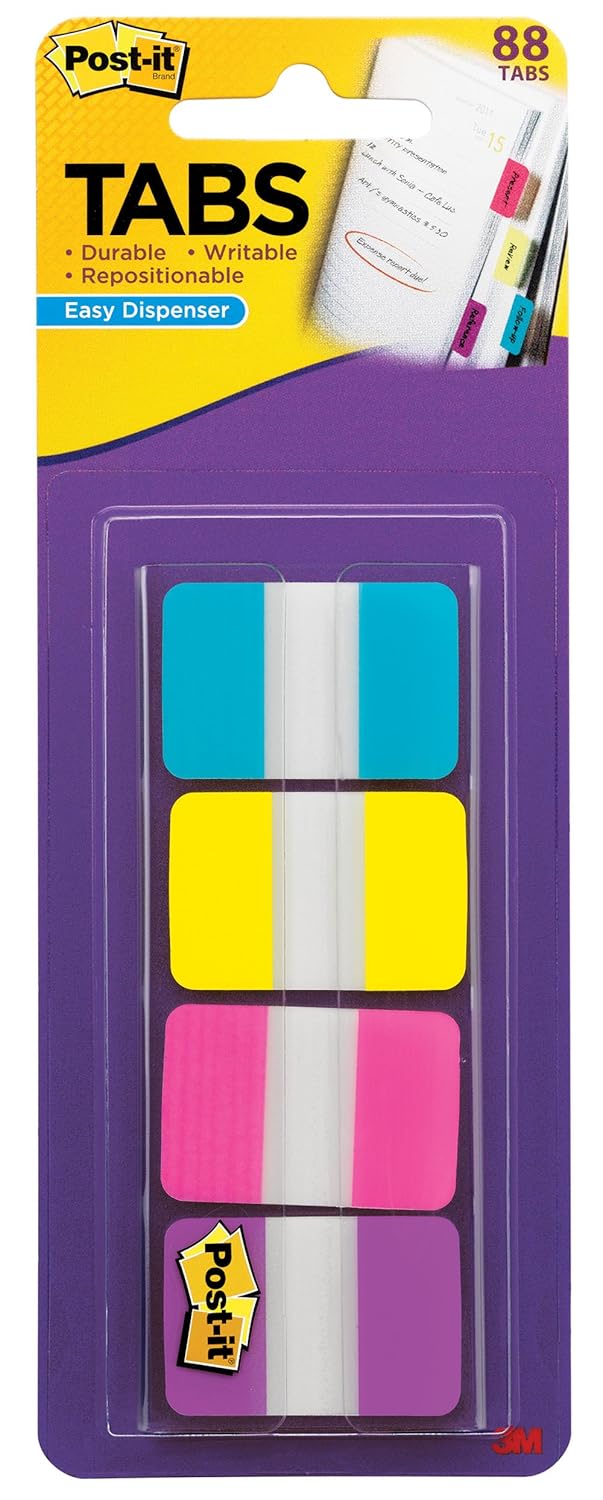
If you got dividers with your planner, you can use them. Or create some for yourself. How? Cut nice paper to size, with tabs, or add tabs later, like these:
I recommend this type, until you are working on your system, because they are removable! You can stick it also on the original dividers came with the planner. Make a calendar, to do and a lists divider for now.
To do section
If you have wrote some to do-s already somewhere, place all here.
Start collecting lists
You have already thinking about such things like
"oh, yes, I should read that book"!
"I want to watch that movie!"
"Next time, when we are going to the IKEA, I have to buy …"
"There is no more sugar at home."
"I gave that book for XY."
"I want to try that recipe out!"
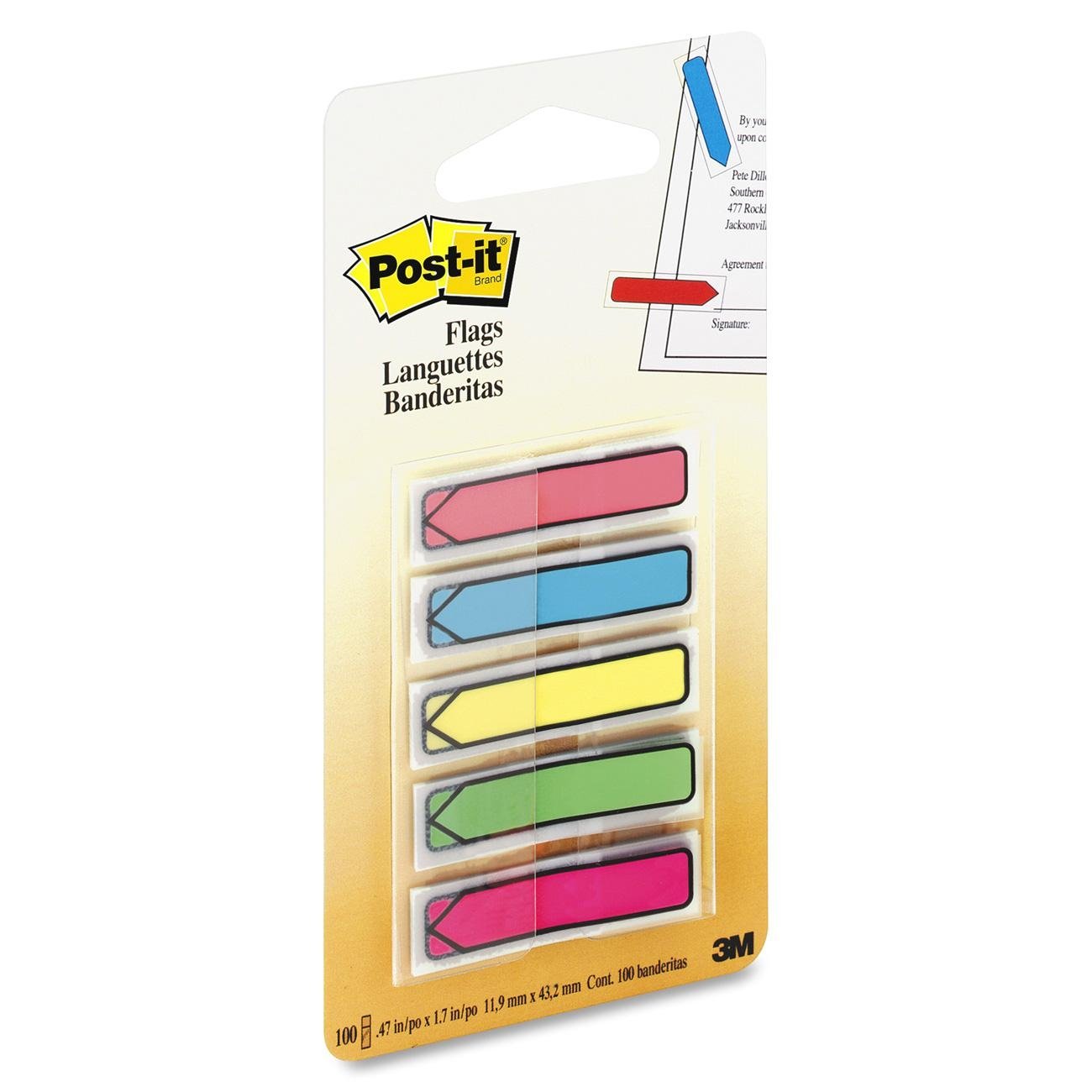
Where to write these things? You might never known, have you? Place some note papers to this section, get page flags, and collect your lists.
Mark all list with a flag, so you can find them easily. Until you don't have more dozen, you don't have to care about the order of them. If you have only one item for a list, do not hesitate, start that list!